 Penny
PennyCategorization you can trust
Categories are set by rules you can read, change, and reorder.
whenName contains SQ *PHILZ COFFEE
thenSet merchant to Philz Coffee
thenSet category to ☕ Coffee
SQ *PHILZ COFFEE 0428
$7.25P
Philz Coffee
☕$7.25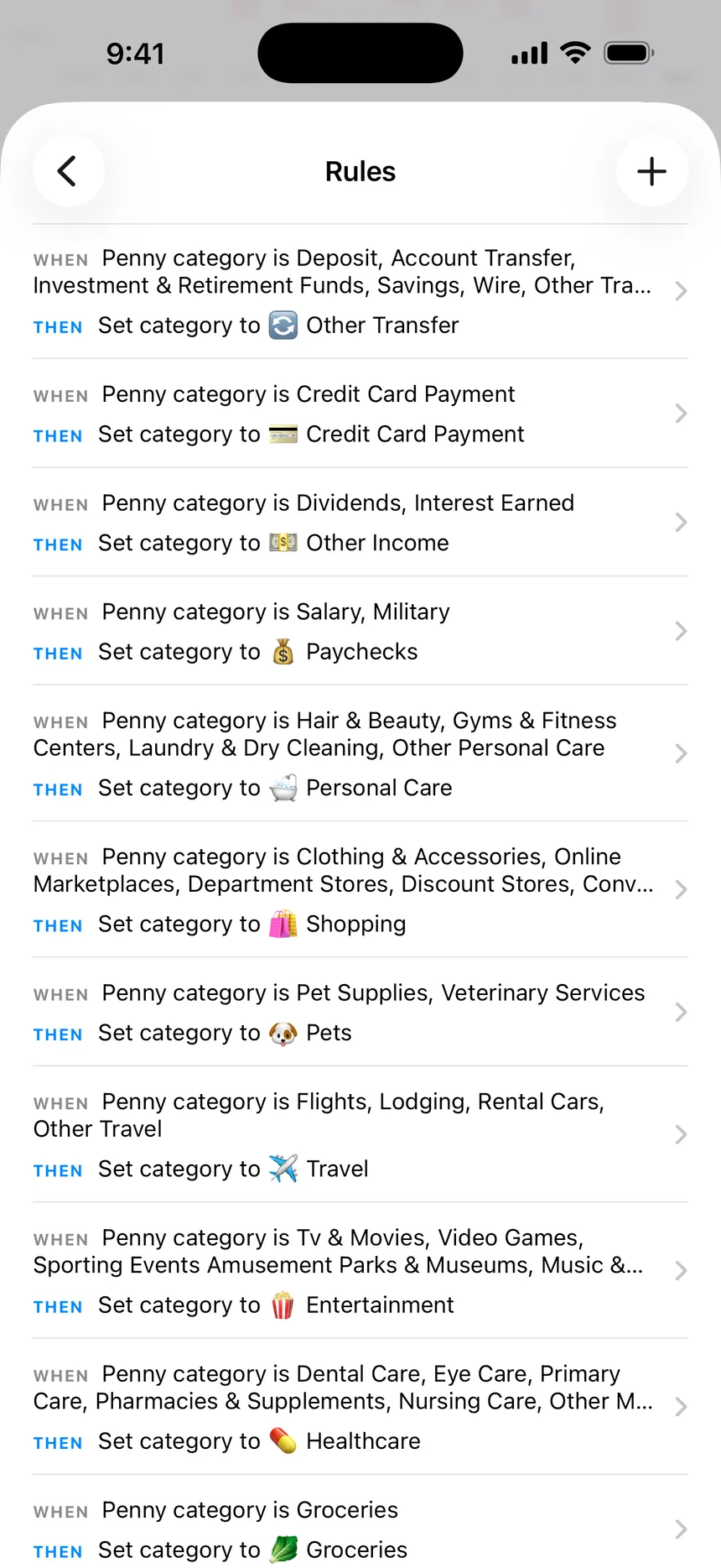

Your edits win. A rule never overwrites a category or merchant you set by hand.
Preview first. See what a rule matches before you apply it to past transactions.
See which rule did it. A transaction's history shows the rule that changed it.
What a rule can do
whenThe name, merchant, account, category, direction, amount, or type matches, or nothing has categorized it yet
thenSet the category, set the merchant, apply tags, hide it, or mark it for review
Common questions
No. Every household starts with rules for its default categories. Add your own when you want something filed differently.
The rule higher in the list sets the category and merchant. Tags from every matching rule are applied.
Yes. Choose to apply it to existing transactions when you save it. Otherwise a rule only applies to new ones.
More of Penny
Get early access to Penny
Join the waitlist and we’ll email you when you can try it.
By joining the waitlist, you accept our Terms and Privacy Policy.